Pigment Printing Problems: How to Fix Poor Crocking, Stiff Hand and Shade Variation

Textile Printing · Troubleshooting Guide
Pigment Printing Problems: How to Fix Poor Crocking, Stiff Hand and Shade Variation
Quick answer: Most pigment printing problems trace back to the binder system, not the pigment. Poor crocking usually means too little binder, weak crosslinking or incomplete curing. A stiff hand usually means too much binder, too heavy a paste or the wrong softener. Shade variation usually comes from paste viscosity, pigment dispersion, screen or squeegee inconsistency and uneven drying. Fix them one variable at a time, and confirm every change with a crock test (ISO 105-X12) and a wash test.
Why pigment prints go wrong: the binder system is the real variable
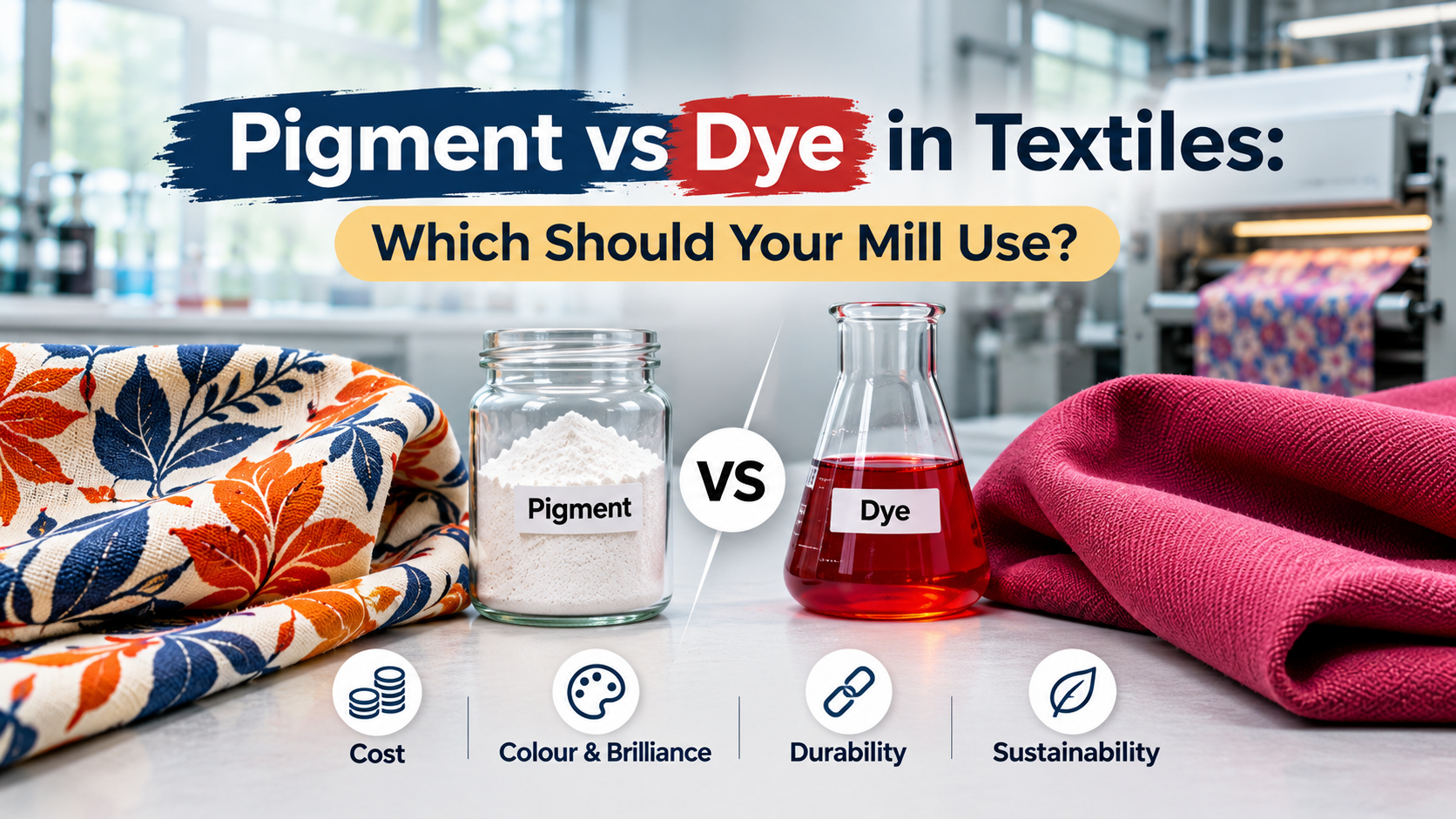
Unlike dyes, pigments have no affinity for fabric. They sit on the surface and are held there by a binder film. So the print is only as good as that film: how much binder is in the paste, how well it is crosslinked, and how completely it is dried and cured. Add the thickener, pH, softener and dispersing agent in the print paste, and you can see why a recipe that works on one fabric or one day can fail on the next. The three problems below are the ones printing heads report most often, and each has a different cause. Not sure whether pigment is the right route at all? Read our guide on pigment vs dye in textiles or see our textile industry solutions.
Problem 1: Poor crocking (colour rubs off)
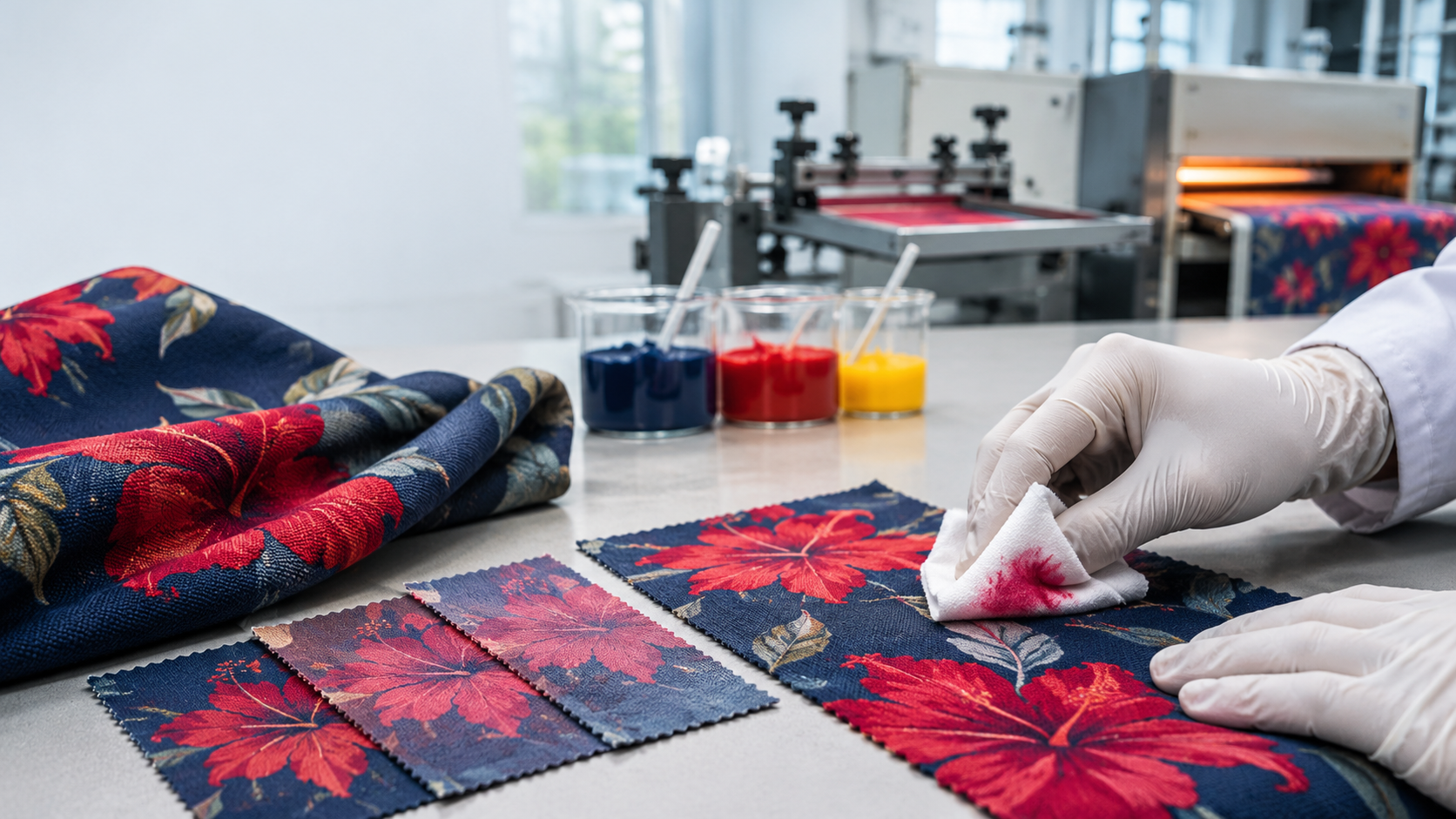
Crocking is colour transferring from the printed fabric to another surface when rubbed, wet or dry. It is tested under ISO 105-X12 and it is the most common reason pigment-printed goods are rejected, especially on dark and heavy-coverage designs.
Common causes
- Too little binder for the pigment load, especially in dark or full-coverage shades.
- Wrong binder type or a binder that is not matched to the fabric.
- Missing or insufficient fixer/crosslinker, so the binder film stays weak.
- Incomplete curing: curing temperature or time too low for the line speed and fabric weight.
- Paste pH outside the recommended range, which can disturb binder and crosslinker performance.
- Excess softener that weakens the film.
What to do about it
- Check the binder dosage against the pigment load, and raise binder in the heavy-coverage prints first.
- Confirm the crosslinker or fixer is in the recipe and dosed as per the supplier datasheet.
- Measure the actual fabric temperature in the curing zone, not just the oven setting, and match time to line speed.
- Check and correct paste pH before printing.
- Cut back softener if crocking is poor and hand is already soft.
- Re-test with a dry and wet crock test after each single change.
Problem 2: Stiff, rubbery hand feel
A pigment print always carries a film on the fabric, so some change in hand is normal. The problem is when large printed areas feel boardy or rubbery, which hurts garments, home textiles and anything worn against skin.
Common causes
- Binder overdosing, often added to fix crocking without checking the hand.
- A hard binder chosen for fastness without considering the fabric.
- Thick, heavy paste that deposits more film on the surface.
- High solids and thickener content in the print paste.
- No softener, or a softener that is incompatible with the binder system.
What to do about it
- Use only as much binder as the shade depth needs, and avoid one binder level for every design.
- Choose a softer binder grade for large-area prints.
- Review the paste viscosity and thickener: a lighter paste puts less film on the fabric.
- Test a compatible softener, such as a soft-pigment or silicone-type additive recommended by your supplier, and re-check crocking afterwards.
- Judge hand after curing and after washing, not on the wet print.
Problem 3: Shade variation and uneven prints
Shade variation shows up as lot-to-lot differences, patchy solids, flushing at the design edges or a print that changes tone along the run. For export orders this is as costly as a fastness failure because the whole lot can be questioned.
Common causes
- Paste viscosity drifting through the shift as thickener or temperature changes.
- Poor pigment dispersion, particularly in dark shades, which can show as specks or uneven depth.
- Screen and squeegee inconsistency: mesh clogging, pressure and angle changes.
- Paste pH too low or too high, which can affect stability and screen behaviour.
- Uneven drying or curing, which can cause tone differences and, at excessive temperatures, yellowing.
- Fabric variation in pre-treatment, absorbency or residual chemicals.
What to do about it
- Fix a paste viscosity window and measure it at the start and during the run.
- Use a dispersing agent where dark shades show dispersion problems.
- Standardise mesh, squeegee pressure and angle, and clean screens on a schedule.
- Check and record paste pH for every batch.
- Keep drying and curing temperature uniform across the width of the stenter or dryer.
- Run a standard lab dip or approved sample against every production lot.
Pigment printing problems at a glance: symptom, cause, fix
Symptom
Most likely causes
First thing to check
Poor dry or wet crocking
Low binder, no crosslinker, under-curing, wrong pH
Binder level and real fabric temperature during cure
Poor wash fastness
Weak binder film, incomplete crosslinking, curing
Fixer dosage and curing time
Stiff, rubbery hand
Binder overdose, hard binder, heavy paste
Binder grade and paste viscosity
Shade variation / patchy solids
Viscosity drift, poor dispersion, screen inconsistency
Viscosity control and screen set-up
Yellowing or tone shift
Drying or curing temperature too high, uneven heat
Temperature uniformity and cure settings
A practical troubleshooting checklist for the print room
Change one variable at a time and write it down. A short routine catches most issues before a full lot is printed:
- Fabric: check pre-treatment, pH and absorbency of the lot.
- Paste: record binder, crosslinker, thickener and softener doses, then viscosity and pH.
- Print: fix mesh, squeegee pressure and angle for the design.
- Dry and cure: verify real fabric temperature and time, not just the machine setting.
- Test: run dry and wet crock tests (ISO 105-X12), a wash test and a hand check on the cured fabric.
- Approve: compare against the approved sample before running the lot.
Frequently asked questions about pigment printing problems
Why does my pigment print rub off even after curing?
Rubbing-off usually points to too little binder for the shade depth, a missing or underdosed crosslinker, or a cure that did not reach the right temperature on the fabric itself. Check these three first, then paste pH and softener level.
How can I make a pigment print softer without losing fastness?
Use the lowest binder level that passes your crock and wash spec, move to a softer binder grade for large prints, lighten the paste and test a compatible softener. Always re-test fastness after the change.
What causes shade variation between pigment print lots?
The most common causes are changing paste viscosity, uneven pigment dispersion, screen and squeegee differences, and uneven drying or curing. Controlling viscosity and pH for every batch removes most of the variation.
Is a higher curing temperature always better for fixation?
No. Under-curing hurts fastness, but excess heat wastes energy and can cause yellowing or a harsher hand. Use the cure conditions your binder supplier recommends and verify them on the fabric.
Need a pigment and binder system that fits your mill?
Tell us your fabric, print style and fastness targets. Our team can suggest pigment dispersions and print-paste chemistry for your line, and share samples for your own trials.
About the author: Deven Shah writes for Indian Chemical Industries (ICI), an Ahmedabad-based manufacturer of pigments and dyes. Learn more about ICI or talk to our team.
Sources and further reading
- ISO 105-X12: Textiles, tests for colour fastness, colour fastness to rubbing.
- Fibre2Fashion technical article on pigment printing problems and remedies.
- Textile Focus technical article on pigment printing.
- Binder, crosslinker and pigment supplier technical datasheets (always the final reference for dosage and cure).